
Articles
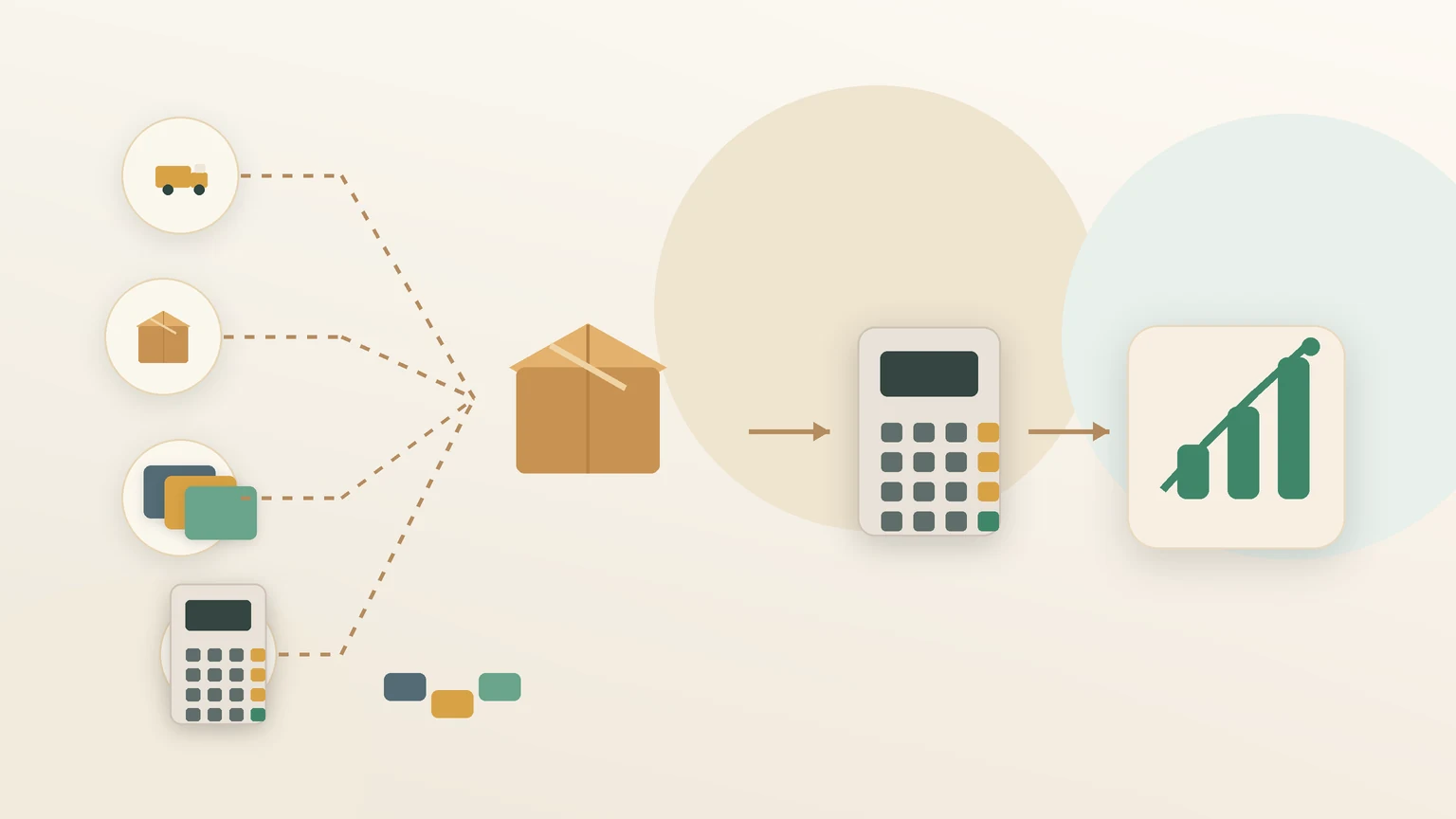
Profit margin tells you how much money is left after product costs, fees, and shipping are removed. It is one of the easiest ways to check whether a product is worth selling.
Start with your selling price, then subtract product cost, platform fees, packaging, and any shipping cost you cover. The result is your profit. Divide that by revenue to get your margin percentage.
If you want a faster check, use the profit margin calculator on the site. It turns the same formula into a quick page you can revisit whenever pricing changes.
A few practical rules help:
- Keep the calculation consistent across products.
- Include every cost that affects your real profit.
- Compare products on margin, not just sales price.
If a product looks weak on margin, you can still improve it by changing the price, reducing fulfillment cost, or bundling it with higher-value items.
How to calculate profit margin for ecommerce products
A simple walkthrough for calculating profit margin before you change product prices.
Start with your selling price, then subtract product cost, platform fees, packaging, and any shipping cost you cover. The result is your profit. Divide that by revenue to get your margin percentage.
If you want a faster check, use the profit margin calculator on the site. It turns the same formula into a quick page you can revisit whenever pricing changes.
A few practical rules help:
- Keep the calculation consistent across products.
- Include every cost that affects your real profit.
- Compare products on margin, not just sales price.
If a product looks weak on margin, you can still improve it by changing the price, reducing fulfillment cost, or bundling it with higher-value items.
ecommerce
margin
pricing
Related reading
Profit margin vs markup: how to tell the difference
Learn the difference between margin and markup before you set product prices.
Profit margin examples for ecommerce sellers
A few simple profit margin examples to make pricing decisions easier.
Ecommerce profit margin mistakes to check before scaling
Before increasing ad spend or inventory, check these margin mistakes that can make growth look better than it is.
Shipping cost vs product margin: what sellers should check
Learn how shipping cost changes product margin and what ecommerce sellers should review before setting prices or promotions.
What is markup and how is it different from margin
Learn what markup means, how it differs from profit margin, and why ecommerce pricing decisions often need both numbers.
How to calculate break-even point for online stores
A practical guide to break-even point for ecommerce sellers, including the formula, unit targets, and pricing context.
Useful tools
Profit Margin Calculator
Calculate profit, cost, and margin for ecommerce, Shopify, Amazon, Etsy, or independent store products.
Shipping Cost Calculator
Use this free shipping cost calculator to estimate carrier cost, packaging cost, and total shipping cost before setting product prices.
Ecommerce Profit Calculator
Calculate profit per order after product cost, shipping, fees, and ad cost.
Free Shipping Threshold Calculator
Calculate a free shipping threshold that covers shipping cost and protects margin.
Product Pricing Calculator
Calculate a product selling price from costs and target margin.
Amazon FBA Profit Calculator
Estimate Amazon FBA profit per unit from selling price, product cost, FBA fee, referral fee, and inbound shipping.